
Guides & videos
Photography
In a nutshell: a photo attached to the observation, with its heading, its position and a comment — typed or dictated. Available on any observation, anywhere — inside a parcel or not. Photography is free, and so is video.
Tap Photography. The camera opens with a clear view: the heading and the position at that moment are saved with the photo, without being overlaid on it. A selector switches between photo and video. The sun path can be shown as an overlay — handy for judging the exposure of a spot.
After you take the shot, the app offers to add a comment:
- with the keyboard, or
- by voice: the transcription fills in the comment on its own.
Your photographs are stored in your iOS photo library, in an album FA-⟨domain⟩. In the observation's detail, each one is placed on the map, at the spot where you took it.
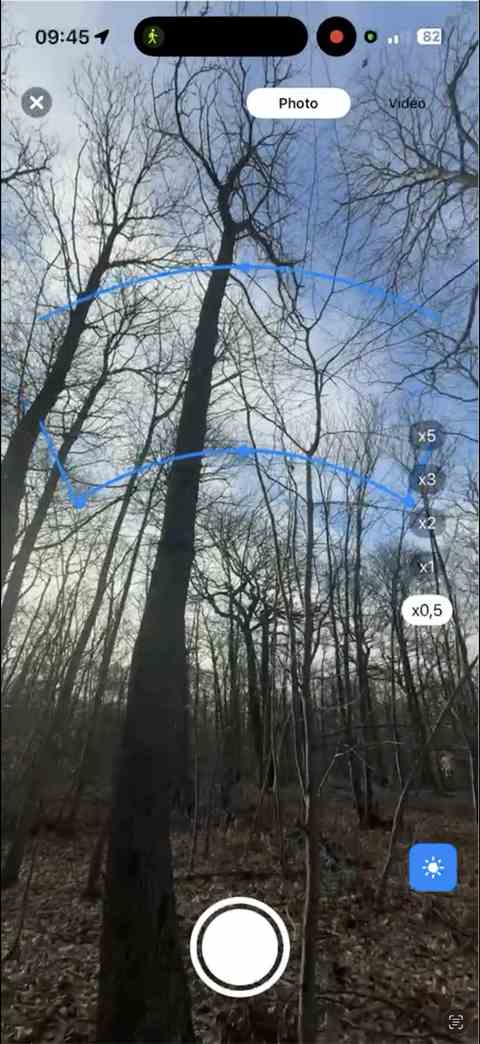
Abandoning the shot saves nothing.
What next
- Back to observations — the other ways to enrich an observation
- Dictate a voice note — free, transcribed on the iPhone