
Guides & videos
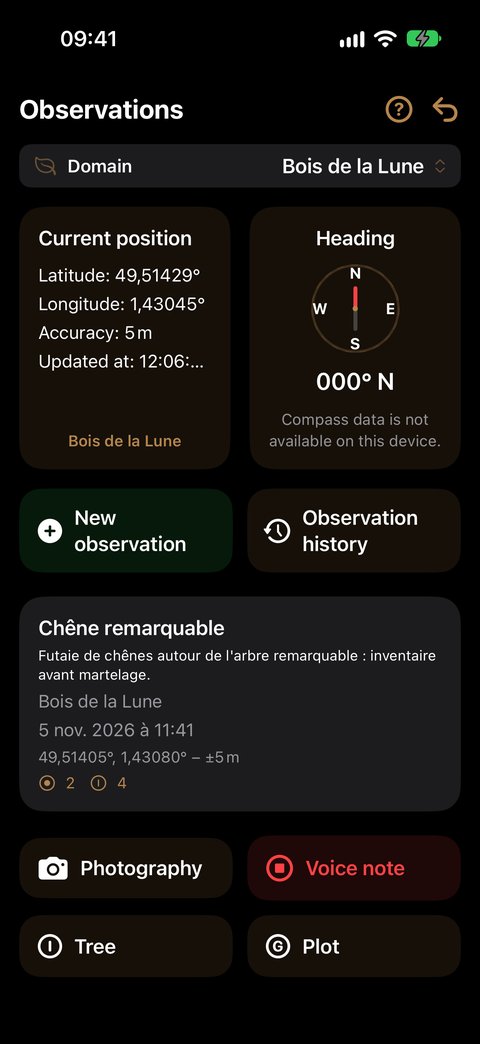
Voice note
In a nutshell: a recording transcribed automatically, attached to the observation. Available on any observation, anywhere, and free.
Tap Voice note to start, tap again to stop. That's all.
The transcription is done automatically on your iPhone, with no network and without your voice going anywhere else. You find the text in the observation's detail, next to the recording: the note is placed on the map, where you dictated it, and filed in the Voice notes section of the list.
If you leave the screen during a recording, the recording is cancelled — nothing runs without your knowledge.
What next
- Back to observations — the other ways to enrich an observation
- Take a photograph — with a spoken comment